
Course Overview
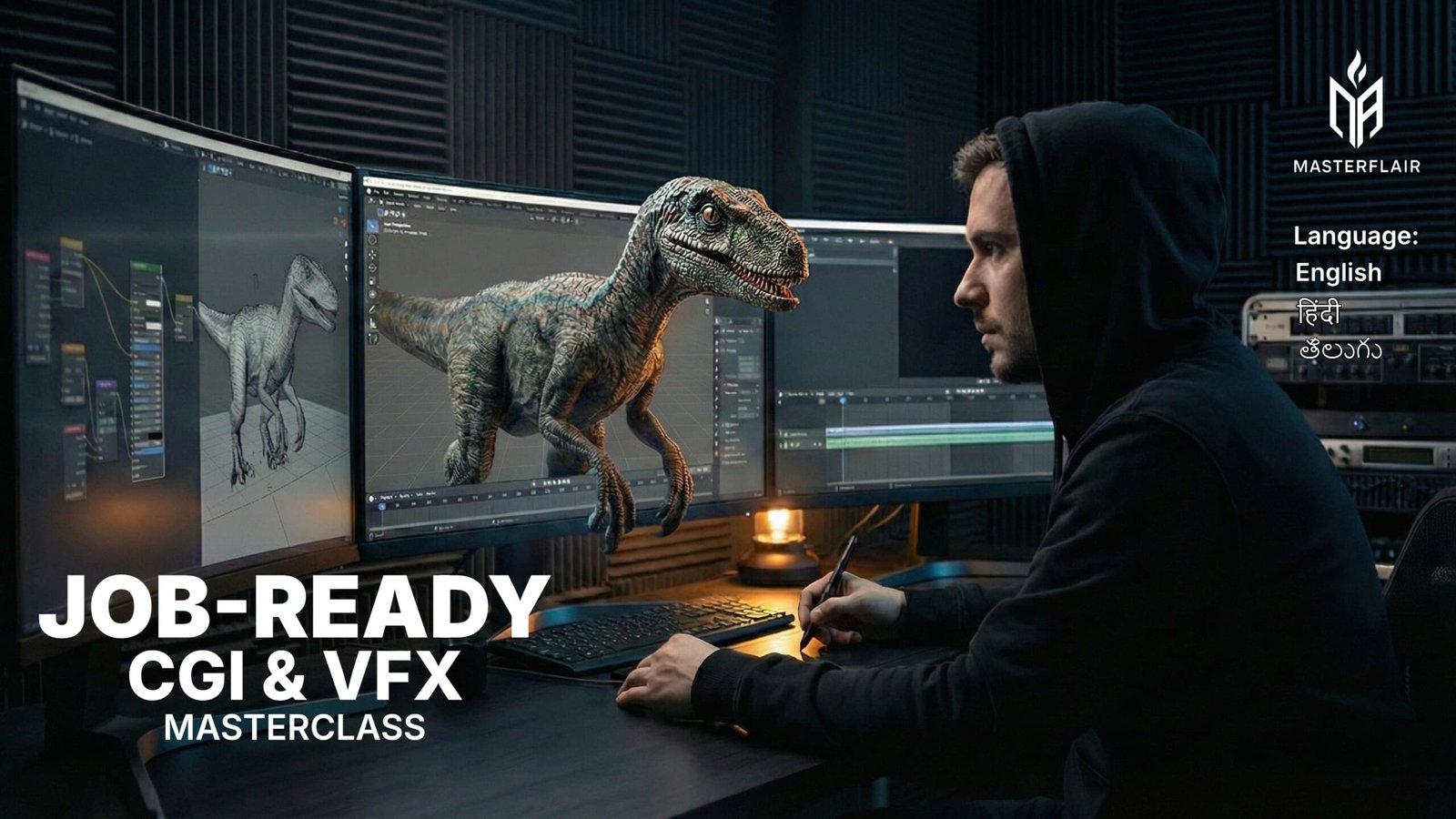
Become a production-ready CGI & VFX artist with MasterFlair’s industry-focused training program.
This course is designed to teach you how professionals actually create visual effects, not just how to use software. You’ll learn real workflows, real decision-making, and real standards used in studios.
With 50+ hours of structured training and 35+ hands-on projects, you’ll build practical skills and a portfolio that proves your ability.
What You’ll Learn
- Complete CGI & VFX pipeline training
- Professional workflows for modeling, texturing, lighting, and rendering
- Particle, simulation, and environment effects
- Motion tracking, compositing, and color finishing
- Studio-style shot planning and execution
- How to build portfolio-ready VFX projects
Who This Is For
- Beginners serious about entering VFX
- Designers and 3D artists upgrading their skillset
- Filmmakers who want control over their visuals
- Anyone tired of feeling “not ready”
What You Get
- 100+ hours of structured training
- portfolio-ready projects
- Lifetime access with future updates
- Certificate of completion
- Private MasterFlair student community
- Direct instructor support
Outcome
By the end of this program, you’ll:
- Understand how professional VFX shots are created
- Produce high-quality, realistic visual effects
- Have a strong portfolio to showcase your skills
- Know exactly what to learn and improve next
Course Curriculam
Level I: The Foundation
Unit 1: Fundamentals of 3D Animation
- Introduction to the Animation Industry
- Introduction to 3D Software
- Understanding 3D Space
- Object Transformations
- Basic Modeling Concepts
Unit 2: Basic Polygonal Modeling
- Modeling a Simple Object (Cup or Chair)
- Modeling Props – Crate/Barrel
- Vehicle Basics – Simple Car Model
- Introduction to Subdivision Modeling
- Topology Basics
Unit 3: Introduction to Organic Modeling
- Blocking a Character (Base Mesh)
- Modeling a Simple Head
- Modeling a Simple Hand
- Edge Loops for Deformation
- Smoothing and Cleanup
Unit 4: Environment & Composition
- Blocking a Simple Room or Interior
- Building Props (Lamp, Table, Books)
- Scene Composition Basics
- Intro to Lighting in Blender
- Milestone Project: Review & Showcase
Level II: The Sculptor’s Forge
Unit 5: Advanced Topology Essentials
- High-Poly vs Low-Poly Modeling
- Boolean Operations & Cleanup
- Advanced Modeling Tools
- Topology for Animation vs. Games
- Retopology in Blender
Unit 6: Hard Surface & Curve Modeling
- Blockout – Sci-fi Helmet (Part 1)
- Detail – Sci-fi Helmet (Part 2)
- NURBS & Curve Modeling Basics
- Prop Modeling – Weapon or Tool (Part 1)
- Prop Modeling – Weapon or Tool (Part 2)
Unit 7: Digital Sculpting
- Blender Sculpt Mode Introduction
- Sculpting a Base Head (Part 1)
- Sculpting a Base Head (Part 2)
- Sculpting a Creature Bust
- Sculpting Tools – Dynamesh & Remesh
Unit 8: The Art of UVs
- What Are UVs?
- Automatic UV Unwrapping
- Manual Unwrapping Techniques
- UV Layout Optimization
- UVs for Games vs. Animation
Level III: The Visual Alchemist
Unit 9: Substance 3D Painter Fundamentals
- Introduction to Substance Painter
- Baking Maps in Substance 3D
- Painting with Smart Materials
- Adding Detail with Alphas & Brushes
- Exporting Textures from Substance
Unit 10: Final Asset Texturing
- Project Start – Texturing a Game Prop
- Adding Surface Variation
- Hand-Painting Accents
- Finalizing & Exporting
- Showcase & Feedback
Unit 11: Lighting Mastery
- Introduction to Lighting in 3D
- Three-Point Lighting Setup
- Real-World vs. Artificial Lighting
- Lighting for Mood & Atmosphere
- Practical Lighting Examples
Unit 12: Rendering & Post-Processing
- Introduction to Rendering Engines
- Working with Eevee Render Engine
- Working with Cycles Render Engine
- Compositing & Color Correction
- Milestone Project: Final Rendering
Level IV: The Puppet Master
Unit 13: Rigging Fundamentals
- Introduction to Rigging Concepts
- Creating Skeletons and Bone Structures
- Forward and Inverse Kinematics (FK/IK)
- Setting Up Controllers for Animation
- Practical Application of Rigging
Unit 14: Advanced Rigging Techniques
- Skinning and Weight Painting
- Joint and Bone Constraints
- Rigging for Stylized vs. Realistic Characters
- Advanced Rigging with Drivers and Expressions
- Refining and Testing the Rig
Unit 15: Facial Rigging & Controls
- Introduction to Facial Rigging
- Blend Shapes and Morph Targets
- Setting Up Advanced Facial Rigging Controls
- Advanced Control Rig Setups
- Facial Rigging for Games vs. Cinematic
Unit 16: Rigging Final Assessment
- Final Rigging Project – Preparation
- Importing Rigged Character into Unity/Unreal
- Setting Up Basic Animations for Testing
- Reviewing and Polishing the Final Rig
Milestone Project: Final Review & Portfolio
Level V: The Life Breather
Unit 17: Animation Fundamentals
- Introduction to the 12 Principles of Animation
- Working with Keyframes and Animation Curves
- Timing and Spacing in Animation
- Understanding Easing and Motion
- Creating Simple Animations with Keyframes
Unit 18: Body Mechanics (Walks & Runs)
- Introduction to Walk Cycles
- Walk Cycle - Understanding Weight Shifts
- Refining Walk Cycles
- Run and Jump Cycles
- Weight Shifts in Character Animation
Unit 19: Acting & Expression
- Introduction to Lip Syncing
- Facial Expression and Emotion
- Body Mechanics in Character Animation
- Secondary Motion and Overlapping Actions
- Acting and Performance in Animation
Unit 20: Advanced Animation
- Animating Complex Movements and Actions
- Polishing the Animation
- Advanced Lip Sync and Dialogue Animation
- Review of the Principles of Animation
- Milestone Project: Final Animation Portfolio
Level VI: The Visual Director
Unit 21: Foundations of VFX
- Getting Started with After Effects
- Working with Keyframes & Animation Principles
- Text Animation Essentials
- Basic Masking & Shape Layers
- Intro to Effects & Presets Panel
Unit 22: Cleanup & Visual Tricks
- Audio Sync & Basic Editing
- Green Screen Keying / Chroma Key
- Advanced Keying Techniques
- Object Removal (2D Cleanup)
- Wire / Rope Removal Techniques
Unit 23: 3D Workflow & Tracking
- Rotoscoping Essentials
- Motion Tracking & Stabilization
- Working with Mattes & Alpha Channels
- Camera & 3D Layers in AE
- Element 3D Basics
Unit 24: The Final Cut
- Element 3D Advanced Techniques
- Creating Sci-Fi FX with Saber Plugin
- Particle Systems & Visual FX
- Advanced Compositing & Color Grading
- Graduation Project: Final VFX Shot Integration
Reviews
There are no reviews yet.